Same basket, different price
Shoppers have discovered that some apps charge different people different prices for the same thing. Lawmakers are moving to stop it. For small businesses, one honest price is turning into an advantage.
A US consumer group asked nearly 400 people to buy the same basket of groceries, on the same delivery app, at the same time.
They didn’t all pay the same. On some products the price differed by as much as 23%. The group estimated that could cost a family more than $1,200 a year.
That study came out last December, and it hasn’t gone away. It is one of the reasons a phrase most people had never heard a year ago is now in new laws, regulator statements and news headlines: surveillance pricing.
What surveillance pricing means
Software looks at what it knows about you (where you are, what device you’re on, what you’ve bought before, how often you come back) and sets a price for you. Your neighbour, on a different phone, might see a different one.
It isn’t the same as a sale, a student discount or a happy hour. Those are offers anyone can see and anyone who qualifies can use. Surveillance pricing is invisible: you don’t know there’s another price, so you can’t ask for it.
AI is what makes this practical at scale. It used to take a big team to price thousands of products for millions of people. Now it’s a setting.
The law is catching up, fast
In the US, where most of the action is, the past year has looked like this:
- New York has required a label since November 2025 whenever a price is set this way. It must read: “THIS PRICE WAS SET BY AN ALGORITHM USING YOUR PERSONAL DATA.”
- New York’s legislature then went further and passed a ban, the One Fair Price Act, in June. It’s waiting for the governor. On 20 October, a coalition of consumer groups wrote urging her to sign it and to close its loopholes. As passed, the bill allows penalties of up to $5,000 for a first violation and $20,000 for each one after that.
- Maryland’s ban took effect on 1 October for large grocery stores and food delivery services.
- Connecticut has passed a ban for retail sellers from July 2027. Other businesses there that do it must say: “THIS PRICE WAS INCREASED USING YOUR PERSONAL DATA.”
- New Jersey has banned it for groceries from August 2027.
- The FTC proposed a policy statement in August. It says the agency can’t ban personalised pricing outright, but that hiding it from customers may be deceptive. That statement is not final yet.
Two things stand out. The first is how quickly this has moved. The second is that the early laws aim at groceries and delivery apps, but several newer proposals would cover almost any business that sells things.
Why this is good news for small businesses
Almost no small business is doing this. The bakery doesn’t charge more because you arrived on a new phone. The plumber’s call-out fee doesn’t change with your postcode history.
But customers don’t know that any more. Once someone has seen two prices for the same basket, they start to wonder about everyone’s prices. That suspicion lands on small businesses too, unless you give people a reason not to have it.
The reason is simple: show your price, and show the same one to everyone.
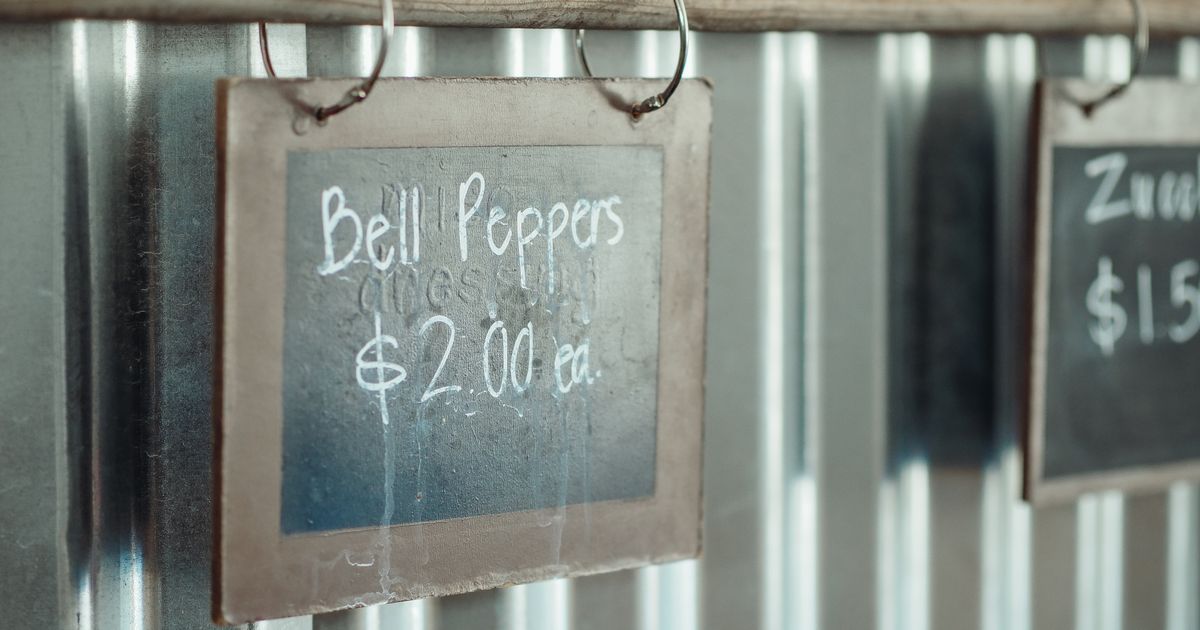
A price written on your website is the online version of a chalkboard on the wall. Everyone reads the same board. Nobody gets a quieter, higher number. That used to be ordinary. In 2026 it’s something worth saying out loud.
Where small businesses can slip into it
You probably aren’t running pricing software. But some of the tools you use might be making pricing decisions for you:
- Online shop and booking add-ons with “smart pricing”, “dynamic discounts” or “personalised offers” switched on by default.
- Listings on delivery and booking apps, where the app may set or adjust the price the customer sees, not you.
- Pop-ups and discount codes shown to some visitors and not others based on their behaviour.
None of these is automatically a problem. A discount code for people who join your mailing list is an ordinary, public offer. But you should know which tools are doing what, because “the software did it” is not a defence a customer will accept, and lawmakers are unlikely to accept it either.
The fair question
Does devkoi help with any of this? Partly, and it’s worth being exact about which part.
A devkoi website doesn’t run a checkout or set prices. The prices on it are words you wrote, and every visitor sees the same page. Every earlier version is kept, so you also have a dated record of what your prices said and when.
What devkoi can’t do is see inside the other tools you use. If you sell through a shop platform, a booking system or a delivery app, their pricing settings are in their dashboards. You’ll need to check those yourself.
What to do this week
1. Put your real prices on your website. Not “call for a quote” when you have a standard price. A clear price list is the easiest trust signal there is. If your site is on devkoi, ask:
“Add a Prices page with our standard prices: haircut $25, cut and colour $70, children’s cut $15.”
2. Make your discounts public. If students, pensioners or regulars get a better price, say so, with the rule. Discounts anyone can see and qualify for are a completely different thing from secret, personal prices.
“Add a line under the price list: 10% off for students and over-65s, Monday to Thursday.”
3. Say it plainly, if it’s true. One sentence near your prices does a lot of work. Only add it if it’s accurate for every channel you sell through.
“Add under the price list: ‘Everyone pays the same price. No hidden or personalised pricing.’”
4. Check every tool that touches your prices. Open the settings in your online shop, booking system and any delivery or marketplace listing. Look for words like “dynamic”, “smart”, “personalised” or “AI pricing”. Switch off anything you didn’t choose on purpose.
5. Keep your prices current. An out-of-date price list causes its own arguments. When prices change, change the page the same day.
“Update the Prices page: cut and colour is now $75 from 1 November.”
6. Watch where you sell. These rules are moving state by state and country by country. If you sell groceries or food delivery in the US, check your local rules now. Everyone else: check again in a few months.
(General information, not legal advice. The laws above are summarised from published legal analysis and may change; New York’s ban had not been signed when this was written.)
The price on the chalkboard was always the same for everyone. Big companies are being pushed back towards that by law.
Small businesses can get there first, by choice, and say so.