Hacked out of your page, and only a bot answers
Small businesses are losing years of work on social media to hackers, and finding that the help desk is an AI assistant that can't fix it. Here's why your own website matters more than ever, and what to do this week.
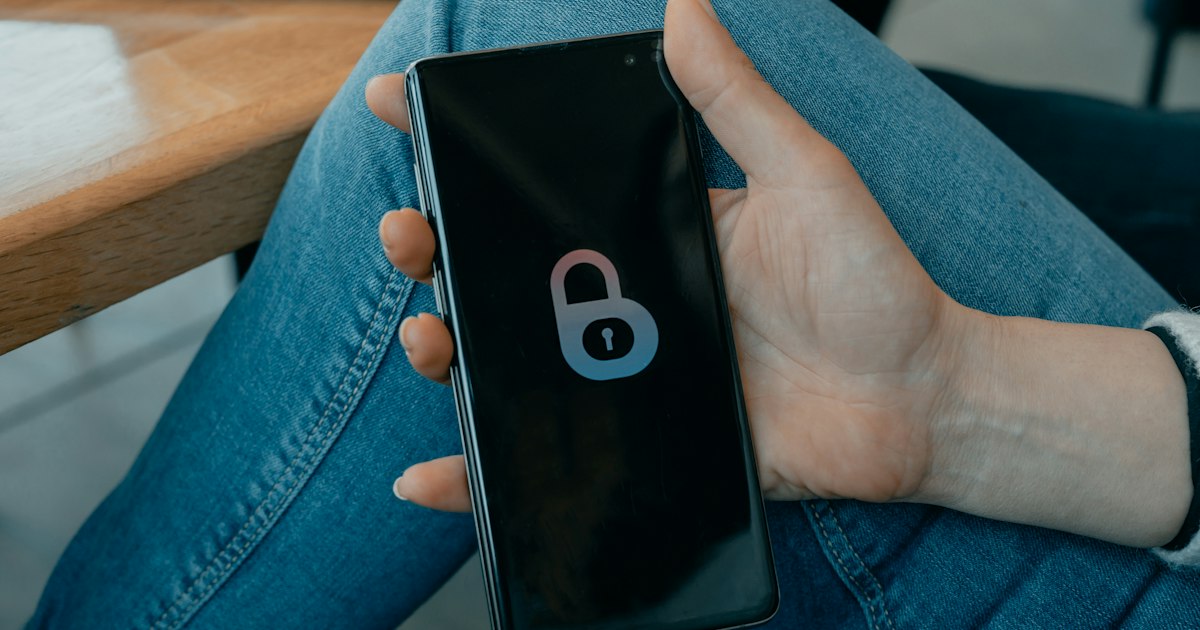
A pizza shop in Florida had spent years building its page on one of the biggest social networks. More than 30,000 followers. The owner said they had spent “thousands and thousands of dollars” promoting it.
Then it was hacked, and the shop lost it.
For three months they tried to get it back. In a story that spread this month, the owner told reporters what that was like: “Every time they would answer, it was AI. No human ever got back to us.”
The shop made a video about it, and it was viewed nearly 110,000 times. A lot of small business owners recognised the story, because it has happened to them too.
The help desk is a bot now
Big platforms have moved much of their account support to AI assistants. In March, the company behind that network said its new support assistant was designed to resolve account issues “from start to finish”, including resetting passwords.
That works when the person asking is the real owner. In early June, it went wrong. According to reports at the time, hackers told the assistant they owned other people’s accounts and asked it to link those accounts to email addresses the hackers controlled. It did. Some victims said that when the assistant asked for a selfie to prove who they were, the attackers sent a short AI-animated clip made from a photo on the victim’s own profile.
The company said on 1 June that the problem had been fixed. People kept reporting hacked accounts in the days after. Victims trying to get back in described the same thing as the pizza shop: help links that went nowhere, and no way to reach a person.
It isn’t only the followers
Losing the page is bad enough. Sometimes it’s worse.
In Michigan, a hearing aid practice owner was hacked in March and $950 was taken from his business account. (His bank refunded it.) When he reported it and verified his identity, the platform banned his account permanently, citing a serious rule violation he says he had nothing to do with.
He paid for a monthly subscription that promised access to a real person. He got several chats, four different explanations, and a closed case. He got his personal account back. When his story ran in May, he still didn’t have his business one.
Why this keeps happening to small businesses
For many small businesses, a social media page is the website. It holds the opening hours, the menu, the photos, the messages from customers, and years of reviews and comments.
But you don’t own that page. You’re a guest on it. When something goes wrong, you’re one of millions of accounts, and the first, second and often third person you’ll talk to is software.
Meanwhile, your customers can’t tell what’s happened. If a hacker takes over your page, they see your name and your logo posting something strange. If the page simply disappears, they assume you’ve closed.
The page they can’t take away
None of this means you should stop posting. Social media is where many customers find you. It just shouldn’t be the only place you exist.
A website at your own web address is different. Nobody else’s support assistant decides whether it stays up. Your hours, prices and contact details live somewhere that isn’t one bad afternoon away from vanishing. And when your social page does go wrong, your website is where you tell customers what’s happening.
The fair question
Does devkoi stop your social accounts from being hacked? No. It can’t, and nothing about your website can. Your social media security is set in each app, and the steps below are yours to take.
What devkoi does is give you the other half: a website you can update by simply describing the change in a chat, so keeping it current isn’t another job you put off. Every earlier version is kept, too.
And it’s still a login. Treat your devkoi account the way you should treat every other one: a strong password used nowhere else, and an email address you check.
Your web address needs looking after too. If it lapses, someone else can buy it. We wrote about that in Your web address is only yours until it lapses.
What to do this week
1. Put the essentials on your website, not only on social media. Hours, address, prices, how to book, how to contact you. If your page vanished tomorrow, a customer should still find all of it. If your site is on devkoi, ask:
“Add our opening hours, address and phone number to the homepage, and a page listing our services and prices.”
2. List your official accounts on your website. When a page gets hijacked, customers need a way to check which accounts are really yours. Your website is that place.
“Add a line to the contact page: ‘Our only official social media accounts are the ones linked here. If you see another one, it isn’t us.’”
3. Have a plan for the bad day. Decide now where you’ll tell customers if a page is hacked. The answer should be your website. If it happens, you change one line, then put the same notice on any other account you still control.
“Add a notice to the top of the homepage: ‘Our page on social media has been hacked. Please ignore any messages from it. We’re still open as usual.’”
4. Lock down every account today. Turn on two-step sign-in, using an authenticator app rather than text messages if the app offers it. Check the recovery email and phone number are current and yours. Add a second trusted person as an admin on your business page, so one lost login doesn’t lose everything.
5. Point people to your website. Use your web address as the link in your social bio, on receipts and on the shop window. That way people who follow you somewhere else still know where to find you.
“Add a short ‘Find us online’ section to the footer with our social links and website address.”
6. Keep your own copy of what matters. Save your best photos, your menu or price list, and your customers’ contact details somewhere you control. If a platform account disappears, it takes all of that with it.
Social media is where you meet new people. It’s rented space, and the landlord’s help desk is a bot.
Your website is the one place online that’s actually yours. Make sure it says everything a customer needs, especially on the day the rented space goes dark.